AI cold emails for job applications Stop applying. Start landing.
Screenshot a job post, or start a campaign to companies that are hiring. SnapIt writes a personal email matched to your resume and sends it from your Gmail.
No credit card. We never read or store your inbox.
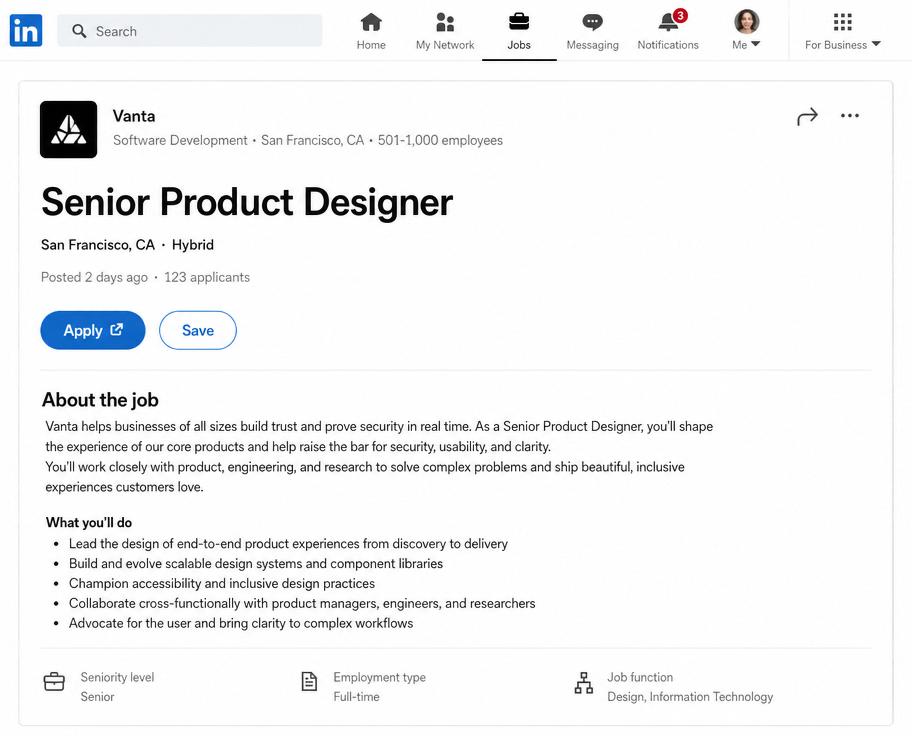
To careers@vanta.com
Subject Senior Product Designer — Alex Rivera (ex-Linear)
Hi Vanta team,
I saw your Senior Product Designer role and the focus on scaling design systems caught my eye — that's exactly the work I led at Linear for the past two years.
I'd love to share a few pieces from our component library and talk about how I'd approach the accessibility roadmap you mentioned.
Open to a quick 20-minute chat next week?
— Alex
Snap a job from any of these
From screenshot to sent.
Three moves. Every email reads like you wrote it yourself.
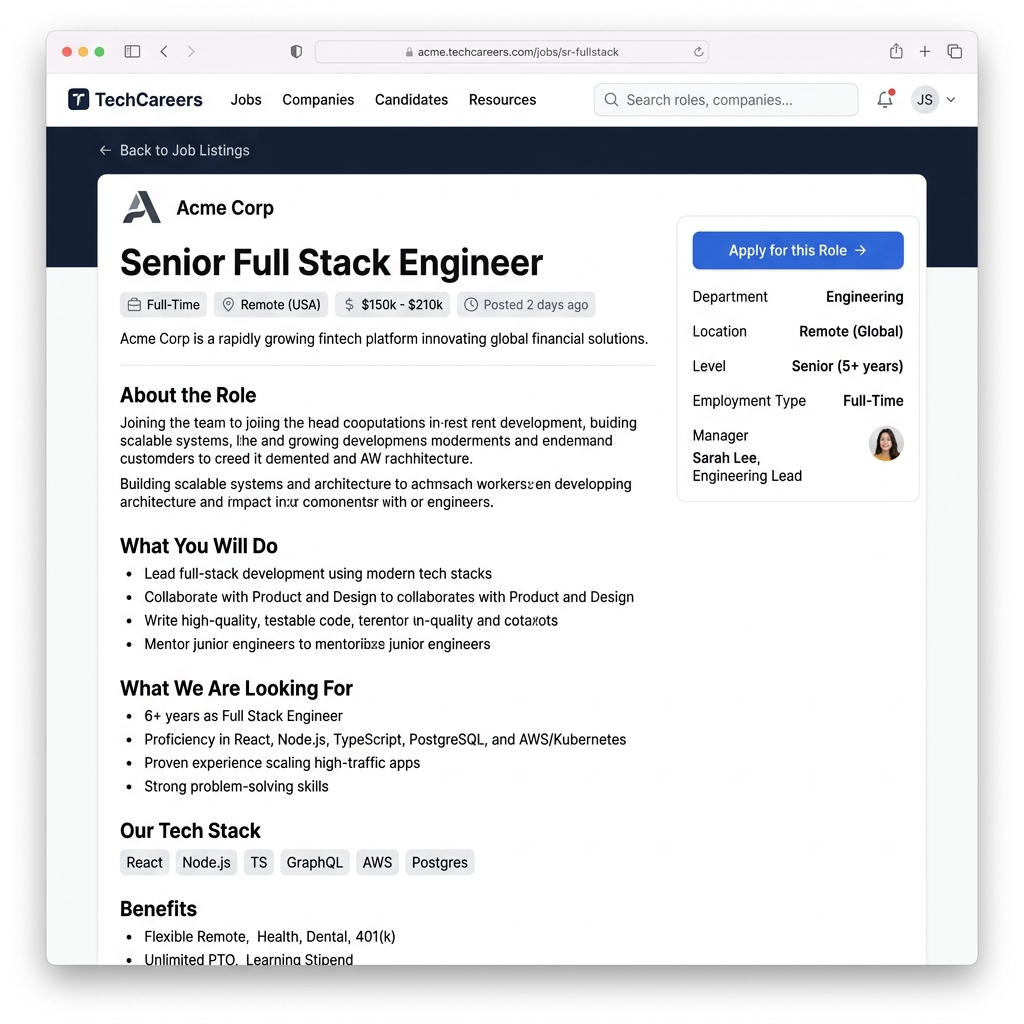
Snap the job
Screenshot any role — LinkedIn, X, company site, or Greenhouse.
AI drafts a personal email
Matched to your resume and the role — sounds like you, not a template.
Send from your Gmail
Review, edit if you want, hit send. The reply lands in your inbox.
No job post? Go straight to the companies.
Most roles are never posted where you look. Tell SnapIt what you want, and it finds companies that are hiring, checks an HR email for each, and writes every one a personal email from your resume.
-
1
Describe the job you want
Role, key skills, cities, experience and company size: startups, mid-size or MNCs.
-
2
SnapIt finds hiring companies
Up to 20 per campaign, each with a checked HR email. Leave out any company you don't want.
-
3
Pick, review, send
Choose who gets an email and send from your Gmail. You only pay for emails you send.
Campaigns are almost ready. They'll show up in your dashboard when they launch.
-
NL
SentNorthwind LabsStartup · Bengaluru · HR email checked
-
KA
SentKestrel AIStartup · Pune · HR email checked
-
BF
Draft readyBrightpath FintechMid-size · Bengaluru · HR email checked
-
TH
Draft readyTidewater HealthMid-size · Pune · HR email checked
The cold email, finally done right.
Most job seekers send 100 applications and hear back from 2. SnapIt flips the math.
First in the inbox
You reach the hiring manager while others are still filling forms.
Sounds like you
Written from your resume against the real role. No AI tells.
Skip the portal
Land directly with the people who decide — not an ATS queue.
You send it
Every draft opens in your Gmail. Nothing goes out without your tap.
The old way vs. SnapIt
SnapIt at a glance
Your inbox stays yours.
SnapIt uses Google's official sign-in with a single permission: send email on your behalf . We never read your inbox, never store your messages, and you can revoke access from your Google account in one click.
Pay per application. Never per month.
Buy a pack once and use it for snapped jobs and campaigns. One credit sends one application, and nothing renews.
No card. No trial timer. Use them when you find roles worth applying to.
Starter
199 applications · no subscription
- Snap jobs or run campaigns
- Personal email from your resume
- Sent from your Gmail
- Resume attached for you
Job hunt
499 applications · no subscription
- Everything in Starter
- Enough for 20+ full campaigns
- Snap from the web or Telegram
- HR email checked for each company
Full search
999 applications · no subscription
- Everything in Job hunt
- Enough for 45+ full campaigns
- Built for a full job search
- Pay with UPI or card
Need a different amount? Top up any amount from your dashboard. 1 credit sends 1 application.
Straight answers.
No. We use Google's official sign-in and request a single permission — send email on your behalf. We can't read, search, or download any message in your inbox. You can revoke access in one click from your Google account.
Your next role is one screenshot away.
Spend your weekend interviewing — not filling forms. Your first 25 emails are on us.
Start with 25 free emailsNo card · Credits never expire · Cancel anytime (there's nothing to cancel)